
Web Interface
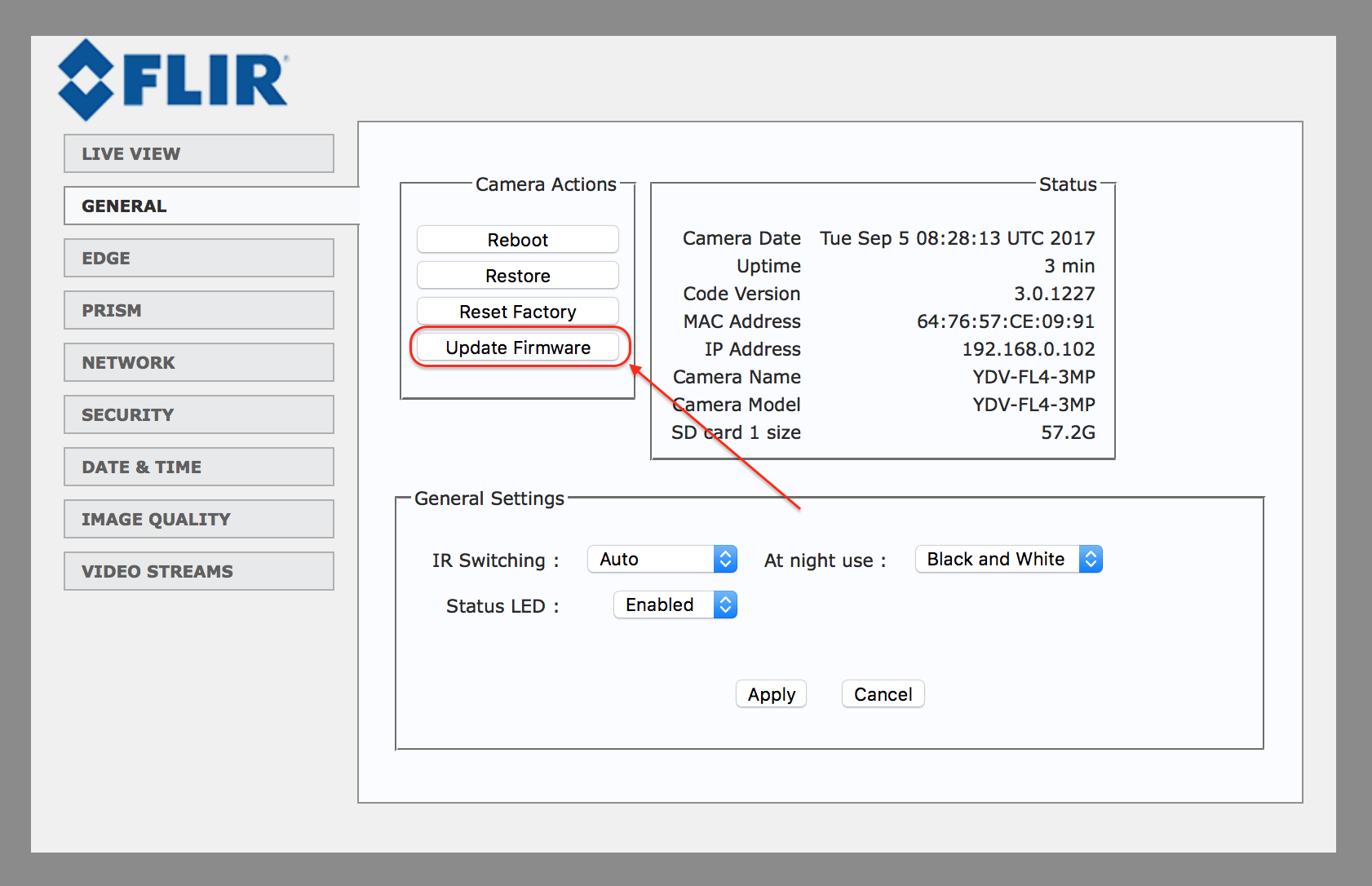
In order to upgrade the firmware version of a FLIR camera, open the camera's web-interface ==> go to the "GENERAL" tab and click on the "Update Firmware" button:
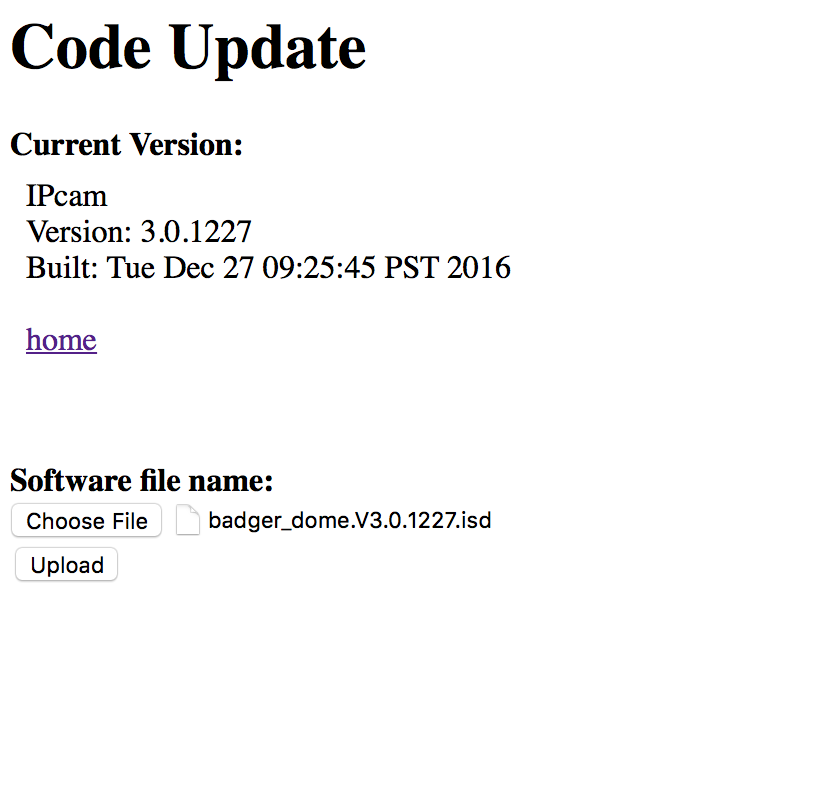
Download and select a firmware file:
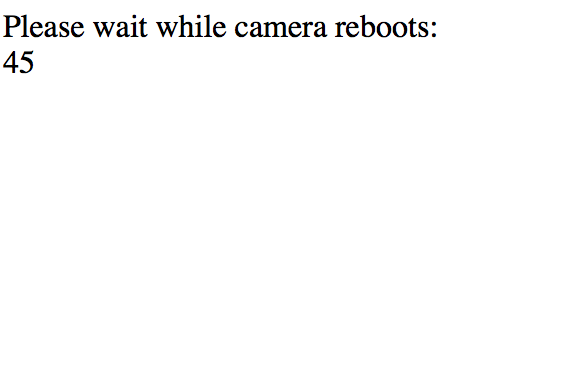
You will see the following message (the process should take about 45 seconds):
SSH Connection
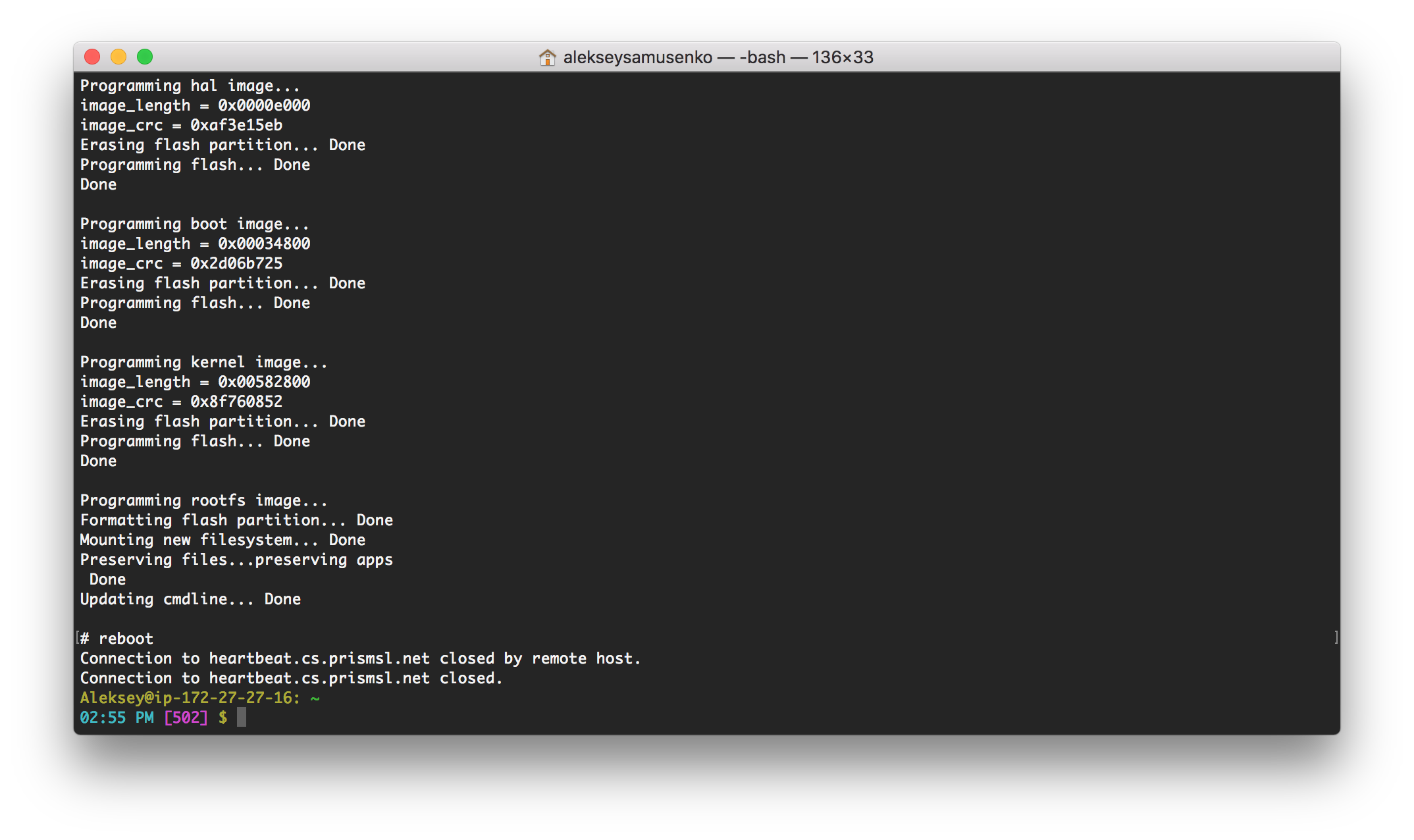
The firmware on FLIR cameras can optionally be upgraded over an SSH session instead of using the web UI.
In order to do this:
1. Establish an SSH session with the FLIR camera.
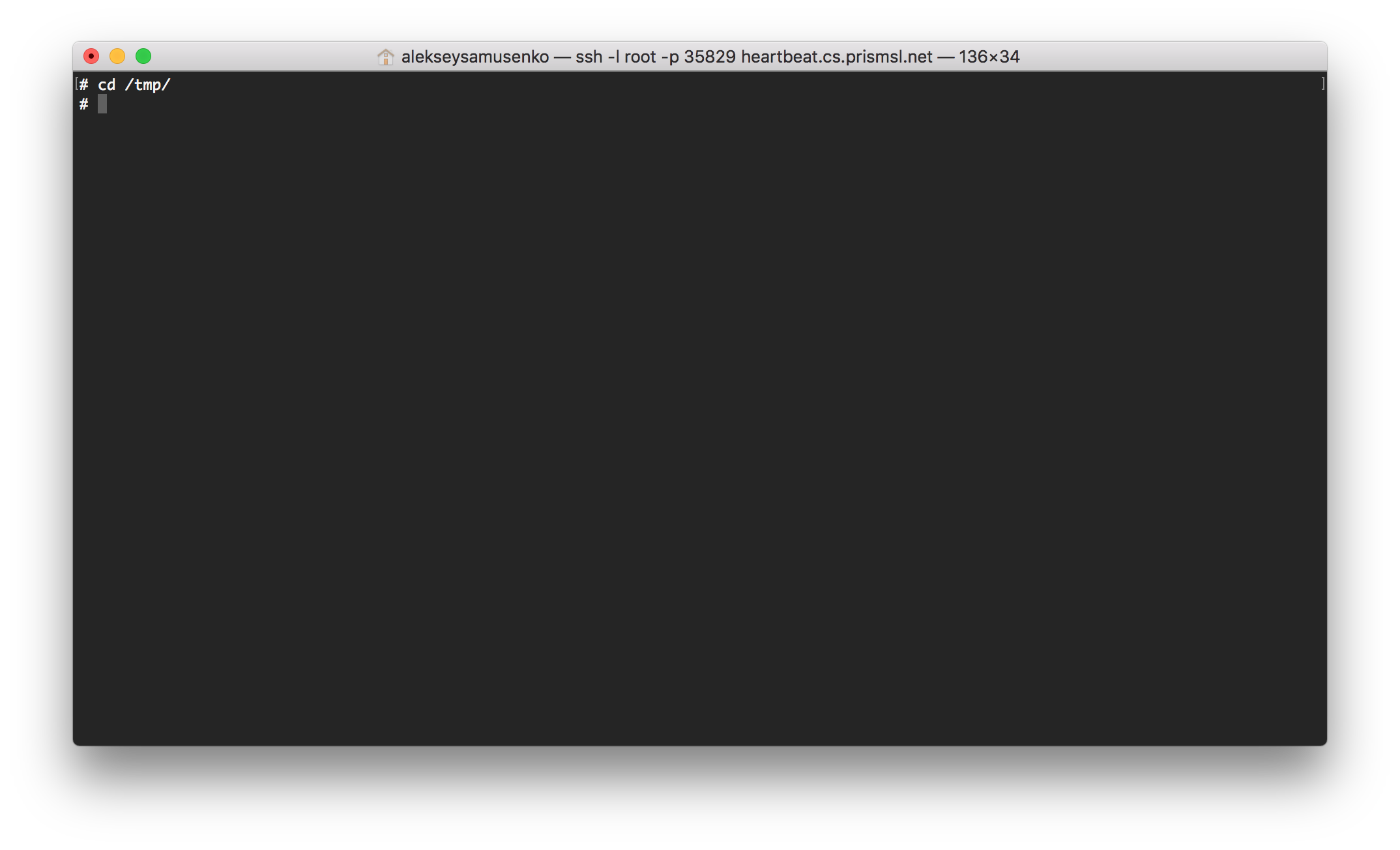
2. Change directory to /tmp
cd /tmp
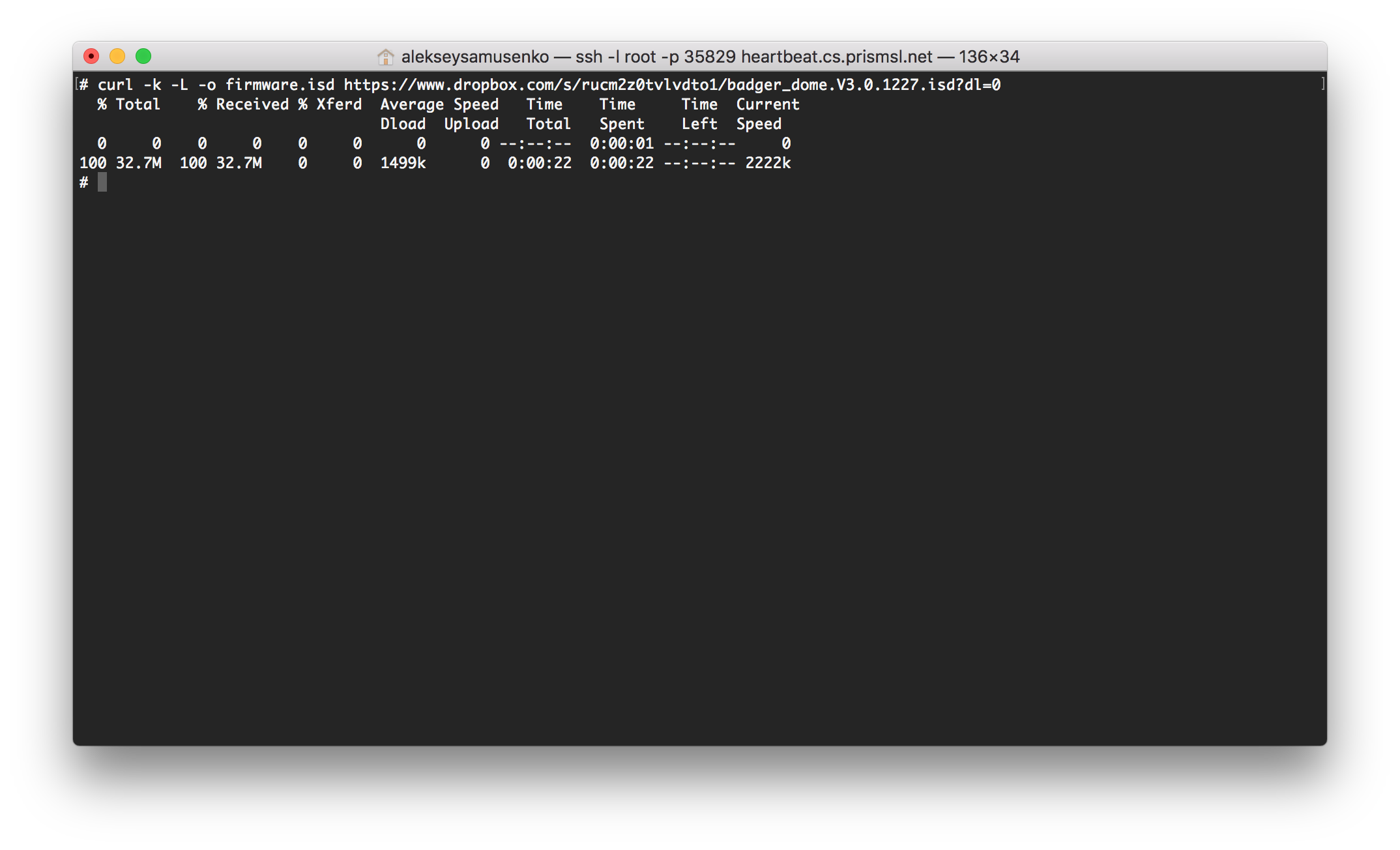
3. Download a firmware file
curl -k -L -o firmware.isd https://www.dropbox.com/s/rucm2z0tvlvdto1/badger_dome.V3.0.1227.isd?dl=0
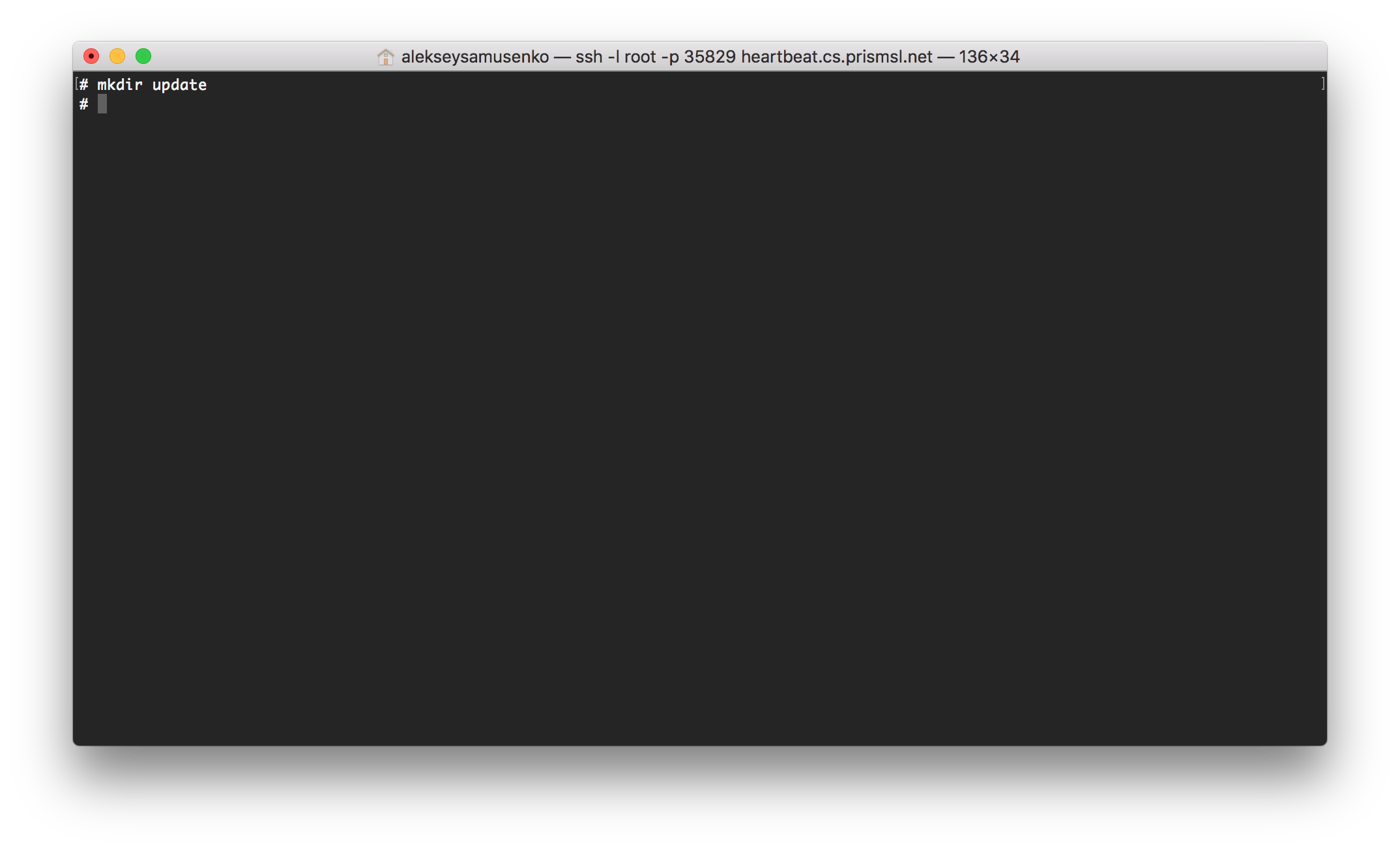
4. Create a temporary directory to unzip the firmware package
mkdir update
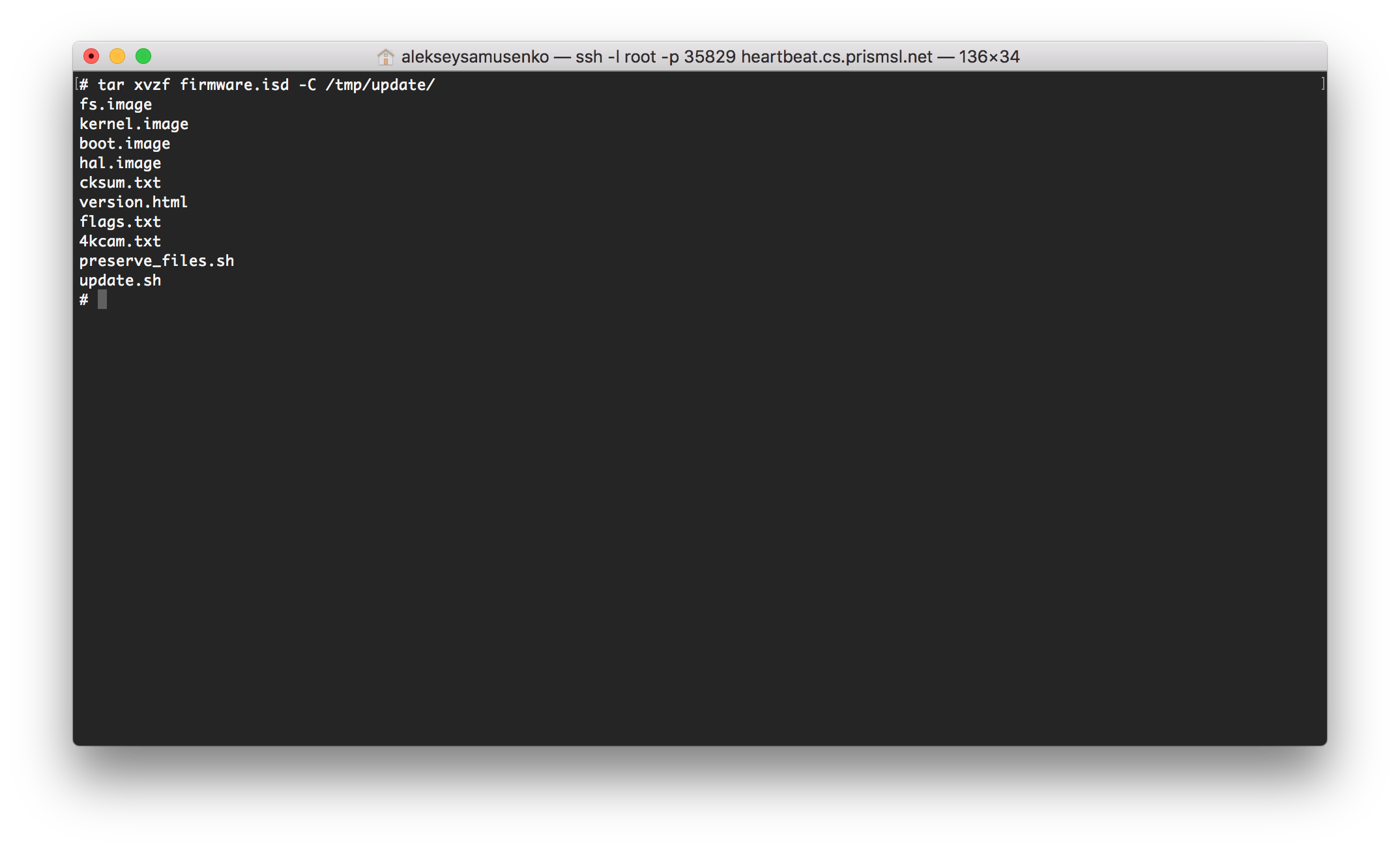
5. Unzip the firmware package in this directory.
tar xvzf firmware.isd -C /tmp/update/
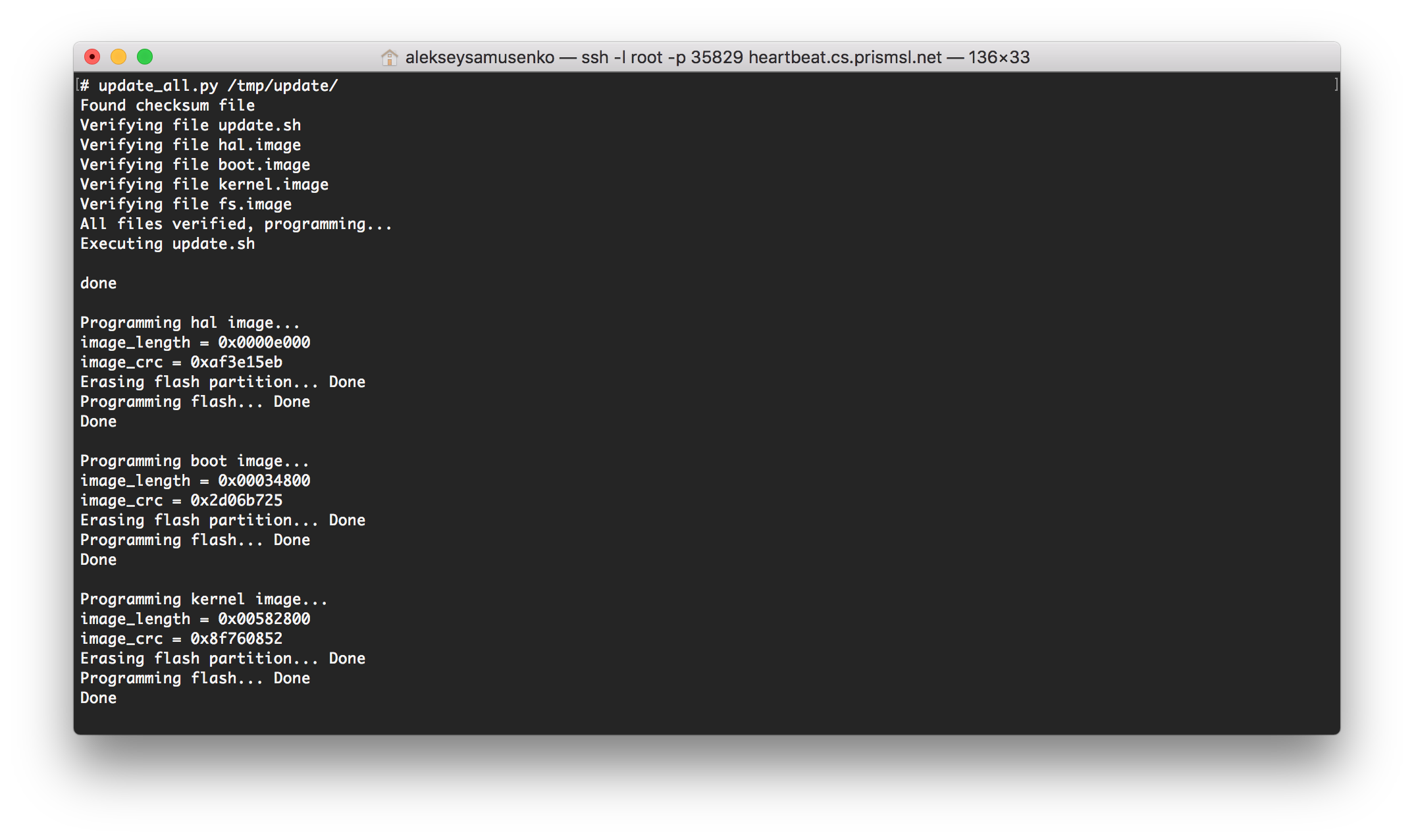
6. Run the update script and point it to this temporary directory.
For S2 model update_all.py /tmp/update
For S2L model update_all.sh /tmp/update
7. Restart the camera.
reboot
Comments
0 comments
Please sign in to leave a comment.